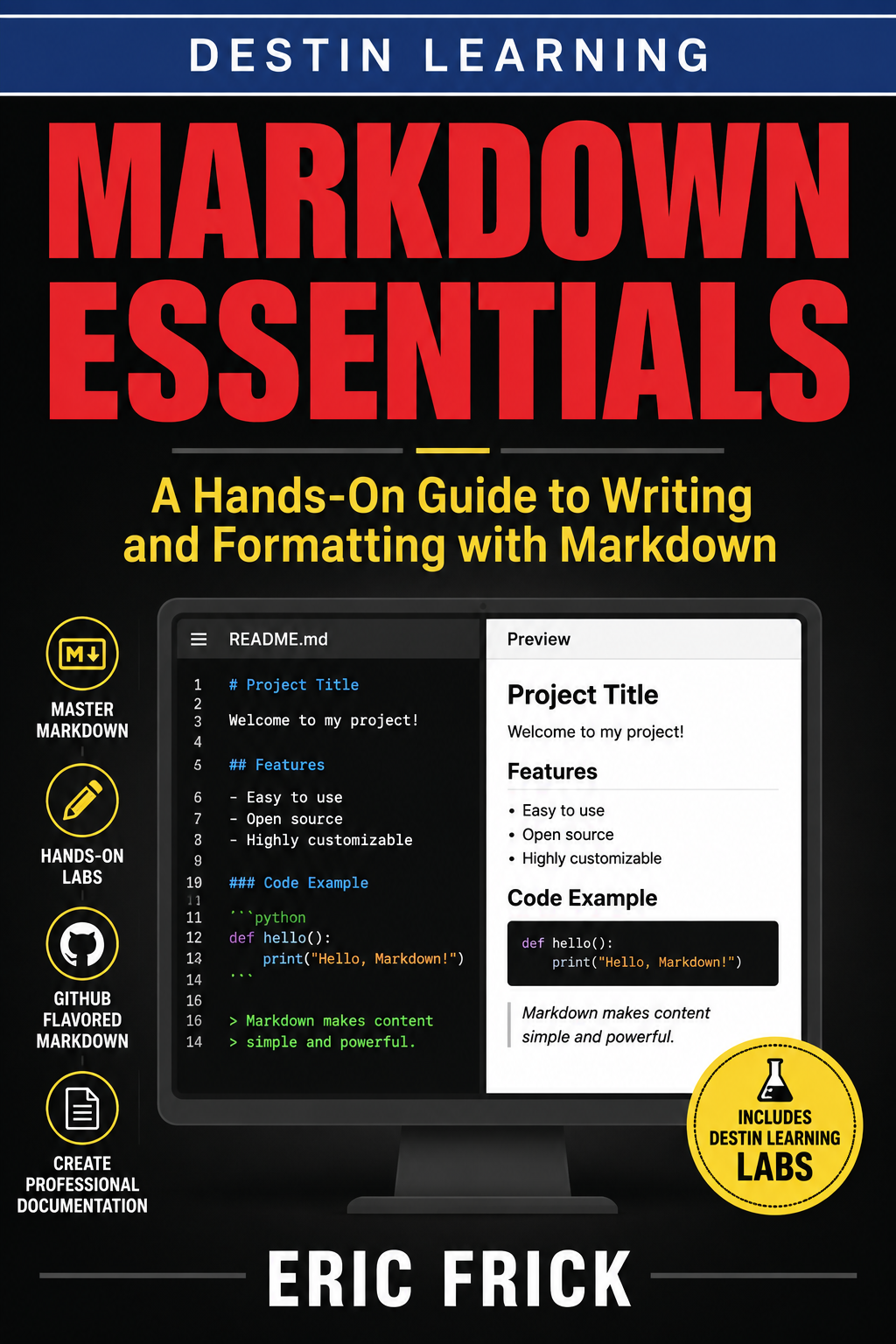
Markdown Essentials: A Hands-On Guide to Writing and Formatting with Markdown
💻

Markdown Essentials: A Hands-On Guide to Writing and Formatting with Markdown

★ Premium · 📖 33 lessons

Markdown Essentials teaches you how to create clean, professional, and portable documents using one of the most widely used formatting languages in technology. You’ll start with Markdown fundamentals—including headings, emphasis, lists, links, images, tables, blockquotes, and code blocks—and progress to GitHub Flavored Markdown, README files, front matter, documentation sites, and publishing workflows. This course emphasizes learning by doing. Through hands-on labs, you’ll create real Markdown documents, build technical documentation, develop a professional README, work with multi-page documentation, and use tools such as markdownlint to improve your work. The course concludes with a personal documentation portfolio that brings your new skills together and demonstrates how Markdown is used by developers, technical writers, and modern software teams.

← Back to Courses

Course Content

33 lessons
Module 1: Getting Started with Markdown 5 items
1.1
What Is Markdown and Why It Matters
Video
1.2
Setting Up Your Markdown Toolkit
Video
1.3
Headings, Paragraphs, and Basic Text Structure
Video
1.4
Write and Preview Your First Markdown Document
Lab
1.5
Getting Started with Markdown Quiz
Quiz
Module 2: Emphasis, Lists, and Links 5 items
2.1
Emphasis and Inline Formatting
Video
2.2
Ordered and Unordered Lists
Video
2.3
Links and Images
Video
2.4
Build a Formatted Personal Bio Page
Lab
2.5
Emphasis, Lists, and Links Quiz
Quiz
Module 3: Blockquotes, Tables, and Code 6 items
3.1
Blockquotes and Horizontal Rules
Video
3.2
Inline Code and Fenced Code Blocks
Video
3.3
Tables
Video
3.4
Write a Technical How-To Guide
Lab
3.5
Document a Command-Line Tool
Lab
3.6
Blockquotes, Tables, and Code Quiz
Quiz
Module 4: GitHub Flavored Markdown and Extended Syntax 5 items
4.1
Task Lists and Autolinks
Video
4.2
Footnotes and Definition-Style Content
Video
4.3
Markdown Flavors and Where They Differ
Video
4.4
Build a Project Task Tracker
Lab
4.5
GitHub Flavored Markdown and Extended Syntax Quiz
Quiz
Module 5: Markdown for Documentation and Publishing 6 items
5.1
Writing an Effective README
Video
5.2
Static Site Generators and Docs Platforms
Video
5.3
Converting Markdown to Other Formats
Video
5.4
Write a Real Project README
Lab
5.5
Structure a Multi-Page Documentation Set
Lab
5.6
Markdown for Documentation and Publishing Quiz
Quiz
Module 6: Style, Tooling, and Your Markdown Portfolio 6 items
6.1
Markdown Style and Consistency
Video
6.2
Linting and Automated Checks
Video
6.3
Markdown and Version Control
Video
6.4
Lint and Clean Up a Messy Markdown Document
Lab
6.5
Final Project: Build a Personal Documentation Portfolio
Lab
6.6
Style, Tooling, and Your Markdown Portfolio Quiz
Quiz