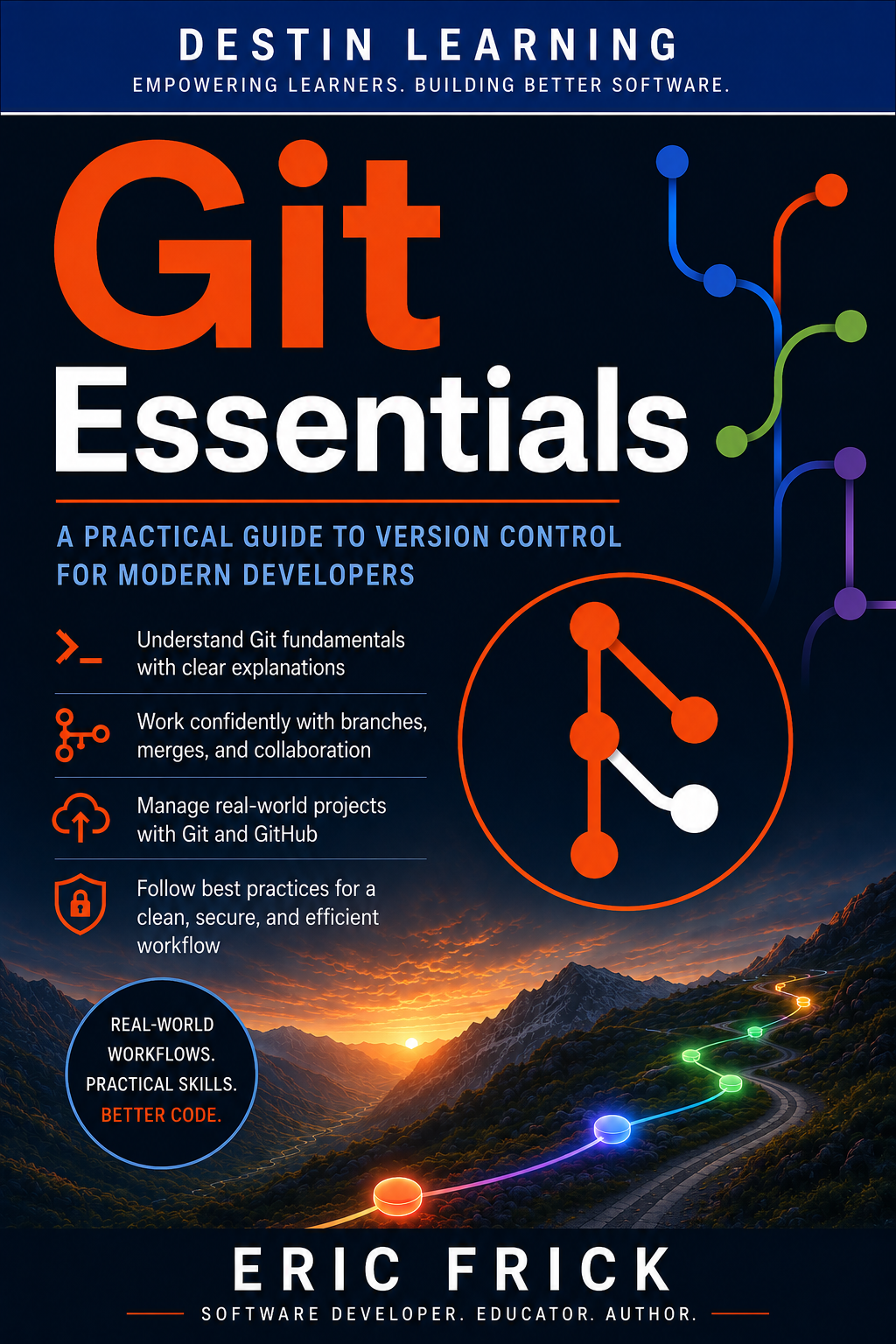
Git Essentials: Version Control from the Command Line to GitHub
📂

Git Essentials: Version Control from the Command Line to GitHub

★ Premium · 📖 31 lessons

Git Essentials is a practical, beginner-friendly course designed to teach you how to use Git confidently for modern software development. You’ll learn how version control works, how to create and manage Git repositories, track changes, work with commits, create and merge branches, resolve conflicts, and use Git from the command line. Along the way, you’ll develop an understanding of the workflows professional developers use to safely manage source code and collaborate on software projects. The course goes beyond simply memorizing Git commands by giving you hands-on experience with realistic development workflows. You’ll learn how to work with remote repositories and GitHub, collaborate with other developers, manage branches and pull requests, recover from common mistakes, and apply Git best practices to your own projects. Through step-by-step lessons and hands-on labs, Git Essentials will give you practical version-control skills you can immediately apply to personal, educational, and professional software development projects.

← Back to Courses

Course Content

31 lessons
Module 1: Understanding Git and Version Control 5 items
1.1
What Is Version Control and Why It Matters
Video
1.2
The History and Philosophy of Git
Video
1.3
Installing and Configuring Git
Video
1.4
Install and Configure Git
Lab
1.5
Understanding Git and Version Control Quiz
Quiz
Module 2: Core Git Workflow: Commits and History 5 items
2.1
Creating a Repository and the Three Trees
Video
2.2
Tracking Changes: Add, Status, Commit
Video
2.3
Exploring and Undoing History
Video
2.4
Build Your First Commit History
Lab
2.5
Core Git Workflow: Commits and History Quiz
Quiz
Module 3: Branching and Merging 5 items
3.1
Understanding Branches
Video
3.2
Merging Branches
Video
3.3
Rebasing for a Clean History
Video
3.4
Branch, Merge, and Resolve a Conflict
Lab
3.5
Branching and Merging Quiz
Quiz
Module 4: Working with GitHub 5 items
4.1
What Is GitHub and How It Relates to Git
Video
4.2
Connecting Local Repos to GitHub
Video
4.3
Cloning and Collaborating
Video
4.4
Push a Local Repository to GitHub
Lab
4.5
Working with GitHub Quiz
Quiz
Module 5: Pull Requests, Issues, and Collaboration Workflows 5 items
5.1
Pull Requests in Depth
Video
5.2
Issues and Project Tracking
Video
5.3
Common Team Workflows
Video
5.4
Simulate a Pull Request Workflow
Lab
5.5
Pull Requests, Issues, and Collaboration Workflows Quiz
Quiz
Module 6: Advanced Git and Best Practices 6 items
6.1
Working Efficiently with Git
Video
6.2
Recovering from Git Mistakes
Video
6.3
Git Best Practices for Real Projects
Video
6.4
Recover Lost Work and Manage a Release
Lab
6.5
Final Project: End-to-End Git and GitHub Workflow
Lab
6.6
Advanced Git and Best Practices Quiz
Quiz