Manage AWS Infrastructure as Code with Terraform
Build, change, and destroy AWS infrastructure with Terraform in an emulated AWS lab — covering HCL, state, modules, and CI/CD from first principles.
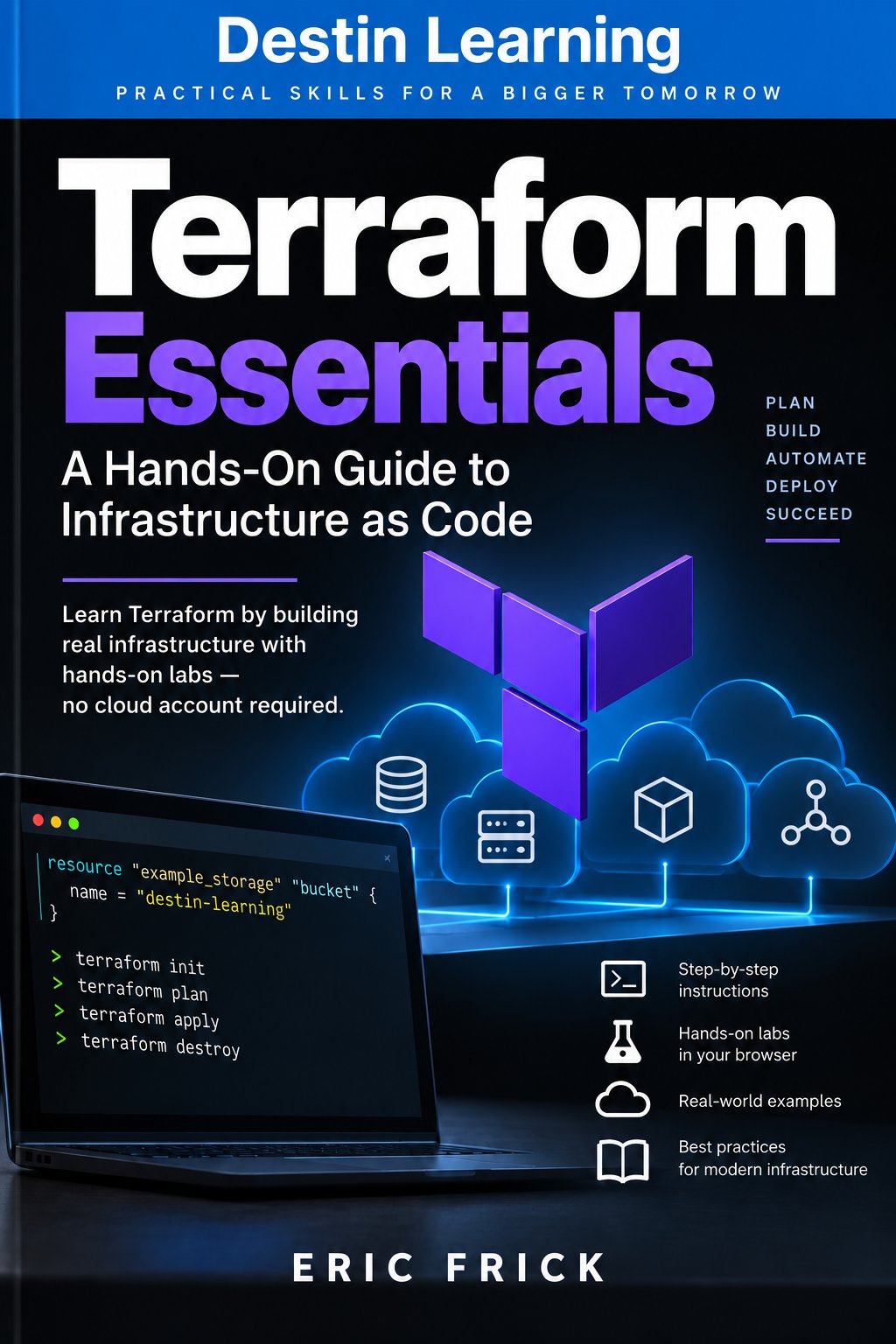
This course takes you from writing your first HCL configuration to deploying a production-style multi-service environment with workspaces, remote backends, and automated pipelines. Every concept is reinforced by a hands-on lab that runs real Terraform commands against an emulated AWS environment — no personal AWS account or bill required.
Have a coupon code? Redeem it here
What you'll gain
Every lab runs in your browser against floci, a local AWS emulator, so you practice real Terraform workflows — including S3, IAM, and EC2 — without creating an AWS account or incurring charges.
You'll understand what Terraform state actually contains, how to manage drift, and how to structure reusable modules — the skills that separate functional configurations from maintainable ones.
The course ends with a final project that composes S3, IAM, and EC2 modules into a multi-environment deployment using workspaces — the same pattern used in real team codebases.
From First Resource to Full Environment

Who this course is for
You're comfortable writing code and using the command line but have managed infrastructure manually or not at all. You'll finish this course able to provision and version AWS resources through Terraform the way your infrastructure team does.
You know AWS and have provisioned resources through the console or CLI, but want a repeatable, auditable way to manage environments. This course gives you the Terraform vocabulary and workflows to replace manual processes with code.
You've written basic Terraform configurations but haven't tackled remote backends, module composition, or CI/CD integration. You'll close those gaps and leave with a structured approach to production Terraform codebases.
What you'll learn
The course opens by grounding you in the core Terraform workflow — init, plan, apply — before introducing providers, resources, variables, and outputs. From there, the modules build systematically through state management, remote backends, and module design, giving each concept a practical foundation before the next one depends on it. Later modules cover workspaces, dynamic configuration, provisioners, and automated testing, so you understand both the common patterns and the tradeoffs behind them. The final module ties everything together with production considerations — secrets handling, codebase structure, and moving from the lab environment to real AWS.
Module 1
Introduction to Infrastructure as Code
3 lessons
▾
Module 2
The Core Terraform Workflow
3 lessons
▾
Module 3
Providers and Resources
3 lessons
▾
Module 4
Variables, Outputs, and Data Sources
3 lessons
▾
Module 5
Managing Terraform State
3 lessons
▾
Module 6
Remote State and Backends
3 lessons
▾
Module 7
Modules
3 lessons
▾
Module 8
Meta-Arguments and Dynamic Configuration
3 lessons
▾
Module 9
Workspaces and Environment Management
3 lessons
▾
Module 10
Provisioners and External Data
3 lessons
▾
Module 11
Testing, Validation, and CI/CD for Terraform
3 lessons
▾
Module 12
Production Considerations and Final Project
3 lessons
▾
Learn by doing
Each of the 24 labs puts a specific concept into practice immediately after its video lessons, using real Terraform CLI commands against an AWS-compatible environment powered by floci. You'll work with the Terraform CLI, the AWS provider, Terraform's state inspection commands, and shell scripts for CI — in a browser-based terminal with no local installation required.
- Confirm the terraform CLI is installed and check its version with terraform version
- Confirm the AWS CLI can already reach floci with aws sts get-caller-identity, with zero configuration
- Write an AWS provider block with an endpoints override pointing at floci and run terraform init
- Apply a trivial resource and confirm Terraform reached floci the same way the AWS CLI does
- Write a configuration that creates an S3 bucket against floci
- Run terraform init, plan, and apply, then confirm the bucket exists with aws s3 ls
- Modify the bucket's configuration and observe the plan's proposed change
- Destroy the resource with terraform destroy and confirm it is gone
- Create an S3 bucket resource and an IAM role resource in the same configuration
- Apply the configuration and verify both resources with aws s3api head-bucket and aws iam get-role
- Add an IAM role policy that references the bucket's ARN from the Lab 3.1 role, then an EC2 instance that references the role through an instance profile
- Inspect the dependency graph with terraform graph and confirm the apply order matches it
- Refactor Module 3's S3 and IAM configuration to use variables for the bucket name prefix and instance type
- Apply the configuration twice with different .tfvars files and confirm both produce valid infrastructure
- Add outputs exposing the S3 bucket ARN and instance public IP, then confirm them with terraform output
- Replace a hardcoded AMI ID with an aws_ami data source lookup
- Use terraform state list and terraform state show to inspect a resource's stored attributes
- Rename a resource in configuration and use terraform state mv to avoid a destroy/recreate
- Modify a resource outside of Terraform, then detect the drift with terraform plan -refresh-only
- Create a bucket manually via the AWS CLI and bring it under management with terraform import
- Create an S3 bucket for state against floci and configure it as the backend
- Run terraform init -migrate-state and confirm the state file now lives in the bucket
- Add a DynamoDB table for locking and reference it in the backend configuration
- Start a long-running apply in one terminal and observe a second apply blocked by the lock in another
- Refactor the S3 bucket and IAM role resources from Module 3 into a reusable local module
- Call the module from the root configuration with different bucket name inputs and apply successfully
- Add a second module for an EC2 instance that consumes the storage module's instance-profile output
- Apply the full composition and verify resources with the AWS CLI
- Use for_each with a map of instance names to sizes to create multiple EC2 instances
- Confirm each instance was created with the correct attributes using aws ec2 describe-instances
- Refactor an aws_iam_policy_document data source's statements into a dynamic block driven by a list variable
- Add a new statement by only changing the variable's value and re-applying the attached policy
- Create dev and staging workspaces and apply the same configuration into both
- Use terraform.workspace to name resources uniquely per environment and confirm both sets exist
- Split a workspace-based configuration into separate dev/ and staging/ directories sharing a common module
- Apply both directories independently and confirm each maintains its own state
- Use templatefile to render a startup script and pass it to an EC2 instance's user_data argument
- Confirm the rendered script content matches expectations by inspecting the instance's user data
- Add a local-exec provisioner that writes a resource's output to a local file after apply
- Trigger the provisioner again with the null_resource trigger pattern after changing an input
- Write a .tftest.hcl file that applies a module and asserts an output value is correct
- Run terraform test and confirm it reports a pass
- Write a shell script that runs fmt -check, validate, and plan in sequence, failing fast on any error
- Intentionally break formatting and confirm the pipeline script catches it before plan runs
- Create an IAM policy scoped to only the actions this course's configurations use
- Attach the policy to a role and confirm its exact scope with aws iam get-role-policy and list-attached-role-policies
- Compose the storage (S3, IAM) and EC2 modules from earlier modules into one environment using workspaces for dev and staging
- Apply both workspaces successfully, verify all resources with the AWS CLI, and tear both down cleanly with terraform destroy
Destin Learning
Destin Learning creates practical, project-driven courses for developers, IT professionals, and tech enthusiasts who want to build real skills — not just pass a certification exam.
Every course is built around hands-on labs, working code, and real-world tools. Our students learn by doing: writing programs, configuring systems, and solving problems in environments that mirror what they'll encounter on the job.
Our courses cover systems programming, Linux administration, cloud infrastructure, AI and machine learning, and foundational computer science — all taught with the same philosophy: understand it deeply, build it yourself, and know why it works.
Destin Learning · destinlearning.com
Enroll Now and Start Building
Lifetime access to 36 video lessons and 24 hands-on labs, all self-paced.
Have a coupon code? Redeem it here