Write Clean, Professional Markdown from Syntax to Published Docs
A hands-on Markdown course for technical professionals — from basic formatting to GitHub Flavored Markdown, linting, and a complete documentation portfolio.
You'll finish this course able to write well-structured READMEs, technical how-to guides, and multi-page documentation sets that render correctly across platforms. Every concept is reinforced with a practical lab, so you leave with real files you wrote — not just notes about syntax.
Have a coupon code? Redeem it here
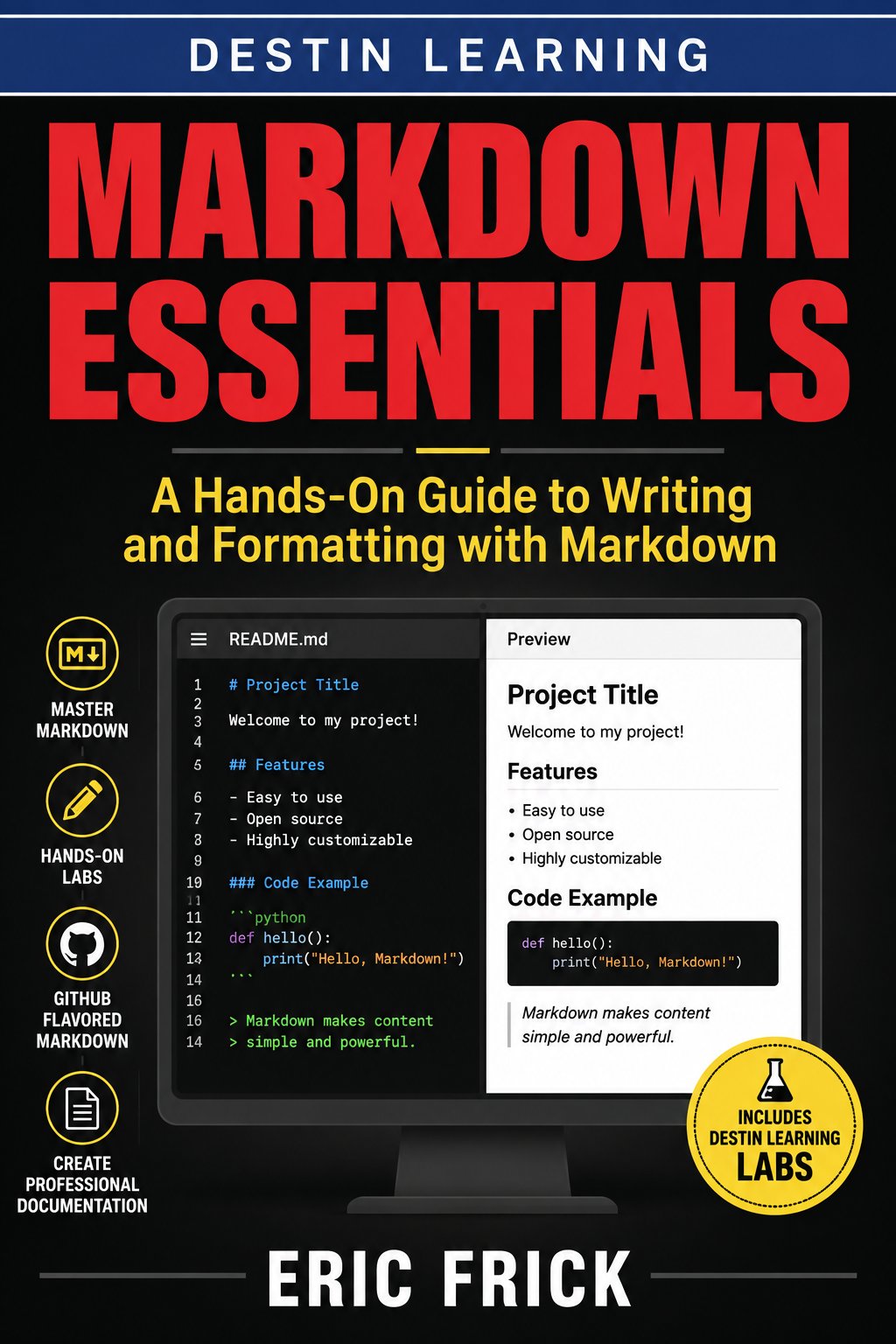
What you'll gain
You'll understand how Markdown behaves across different platforms — from GitHub to static site generators — so your formatting works where it needs to.
You'll work with tables, fenced code blocks, task lists, footnotes, and GitHub Flavored Markdown extensions that most writers never learn to use correctly.
The final project produces a real multi-file documentation portfolio — a README, supporting docs, and linked pages — that you can reference or share immediately after the course.

Who this course is for
You already write code and probably use Markdown occasionally, but your READMEs and docs are inconsistent or informal. You'll learn to write structured, linted, platform-ready documentation that reflects the same care as your code.
You're comfortable with structured writing but want a firmer grasp of Markdown's syntax, tooling, and extended flavors like GFM. You'll gain the technical fluency to work confidently in developer-facing documentation environments.
You know programming fundamentals but haven't spent much time writing formal documentation. You'll build the Markdown skills expected in open-source projects, coursework submissions, and professional codebases.
What you'll learn
The course opens by establishing a solid foundation in core Markdown syntax — headings, paragraphs, emphasis, lists, links, and code blocks — before introducing more advanced elements like tables, footnotes, and GitHub Flavored Markdown extensions. From there, modules shift toward real-world application: writing effective READMEs, structuring multi-page documentation sets, and publishing Markdown through static site generators and conversion tools. The final module covers style consistency, automated linting with markdownlint, and version control workflows, closing with a portfolio project that draws on every skill developed throughout the course.
Module 1
Getting Started with Markdown
3 lessons
▾
Module 2
Emphasis, Lists, and Links
3 lessons
▾
Module 3
Blockquotes, Tables, and Code
3 lessons
▾
Module 4
GitHub Flavored Markdown and Extended Syntax
3 lessons
▾
Module 5
Markdown for Documentation and Publishing
3 lessons
▾
Module 6
Style, Tooling, and Your Markdown Portfolio
3 lessons
▾
Learn by doing
Each module includes a hands-on lab where you write actual Markdown files, preview them in real time, and work through tasks that mirror professional documentation scenarios. Labs use tools like markdownlint and Markdown-aware editors, and the exercises range from building a personal bio page to linting a broken document and diagnosing every warning it produces.
- Create a new .md file in the Editor, write a structured document with multiple heading levels and paragraphs, and use the Preview tab to confirm correct rendering
- Save and iterate on the document, deliberately introducing then fixing a heading/whitespace mistake to see how it affects the rendered preview
- Write a bio document using bold/italic emphasis, a nested list of skills, and both inline and reference-style links, previewing after each addition
- Add an embedded image with meaningful alt text and verify it renders correctly in Preview
- Create a how-to document combining a blockquote callout, a fenced code block with syntax highlighting, and a table comparing options
- Preview and refine the table's column alignment and code block formatting until it renders cleanly
- Write reference documentation for a simple CLI tool, using inline code for flag names and fenced blocks for example commands and output
- Structure the document with headings and a blockquote for a warning or tip, previewing the final result end to end
- Create a Markdown task list document tracking a small project's to-dos, using nested checkboxes and at least one footnote
- Add YAML front matter with title, date, and status fields and preview how it's handled
- Write a complete README.md including a title, description, installation steps, usage examples, and a table of contents
- Add badges using Markdown image-and-link syntax and preview the full document for structure and readability
- Create a small set of linked Markdown files (such as index.md, install.md, and usage.md) with cross-links between them, simulating a docs site's structure
- Add front matter to each file and preview each page, confirming links resolve and formatting stays consistent across files
- Run markdownlint against a provided messy Markdown file, interpret its warnings, and fix each issue while previewing the before-and-after rendering
- Document the fixes made in a short changelog section using proper Markdown formatting
- Create a small multi-file Markdown portfolio, including a README and at least two supporting docs, that demonstrates headings, lists, tables, code blocks, images, links, and front matter learned throughout the course
- Lint the final files, fix any issues, and do a full Preview pass on every page to confirm consistent, polished formatting
Destin Learning
Destin Learning creates practical, project-driven courses for developers, IT professionals, and tech enthusiasts who want to build real skills — not just pass a certification exam.
Every course is built around hands-on labs, working code, and real-world tools. Our students learn by doing: writing programs, configuring systems, and solving problems in environments that mirror what they'll encounter on the job.
Our courses cover systems programming, Linux administration, cloud infrastructure, AI and machine learning, and foundational computer science — all taught with the same philosophy: understand it deeply, build it yourself, and know why it works.
Destin Learning · destinlearning.com
Start Writing Markdown with Confidence
Contact us for pricing — self-paced video lessons, nine hands-on labs, and a final portfolio project included.
Have a coupon code? Redeem it here