Get Comfortable with Linux Through Hands-On Practice
A beginner-friendly introduction to Linux for students and tech professionals — no prior experience required.
You'll learn to navigate the Linux file system, run commands from the terminal, and manage files and directories with confidence. By the end, you'll understand how Linux powers cloud computing, cybersecurity, and software development — and know exactly where to take your skills next.
Have a coupon code? Redeem it here
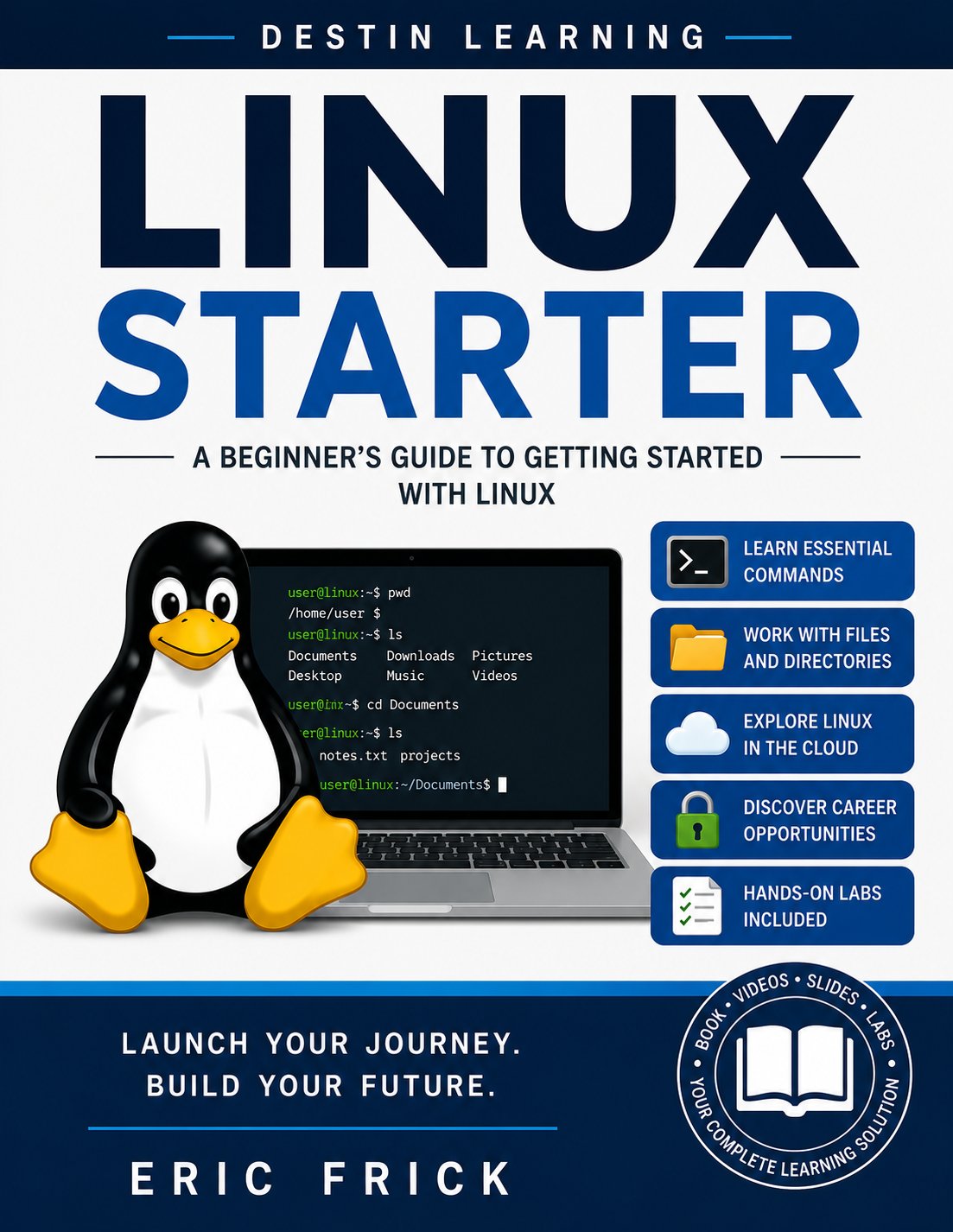
What you'll gain
Hands-on labs run directly in your browser, so you can practice real Linux commands without installing anything or configuring a local environment first.
You'll explore how Linux is applied across cloud computing, cybersecurity, and software development — giving you context for why these skills matter in technical roles.
The course closes with a structured look at Linux certifications and career paths, so you finish knowing which skills to develop next for your specific goals.

Who this course is for
You're studying computer science, networking, or a related discipline but have little or no experience with Linux. This course gives you the foundational command-line fluency that technical programs often assume you already have.
You're moving into a role in cloud, DevOps, or cybersecurity and know Linux will be part of the job. This course helps you get oriented quickly without requiring any prior Linux background.
You're curious about Linux and how it powers modern infrastructure but haven't had a structured place to start. This course gives you a practical, low-barrier entry point into the Linux ecosystem.
What you'll learn
The course opens by establishing what Linux is and where it fits in today's technology landscape, including a look at career opportunities tied to Linux skills. From there, you'll set up access to a Linux environment and begin working directly in the terminal. Modules 3 and 4 build your core command-line skills — navigating the file system, creating and organizing files, and managing directories. The final modules connect those skills to real-world domains like cloud computing and cybersecurity, then close with a practical guide to certifications and next steps.
Module 1
What Is Linux and Why It Matters
3 lessons
▾
Module 2
Getting Access to Linux
3 lessons
▾
Module 3
Your First Linux Commands
3 lessons
▾
Module 4
Working with Files and Directories
3 lessons
▾
Module 5
Linux in the Real World
3 lessons
▾
Module 6
Your Linux Journey Ahead
2 lessons
▾
Learn by doing
Each lab puts you in a live Linux environment directly in your browser, where you'll practice commands like pwd, ls, and cd, build directory structures, and connect to cloud-based Linux instances. The labs are designed to reinforce exactly what each module covers, so concepts move from explanation to application without delay.
- Connect to a Linux environment using a cloud instance, virtual machine, or local installation
- Verify the connection, confirm the Linux version, and explore the initial environment
- Use pwd, ls, and cd to navigate the Linux file system from the terminal
- Look up a command using man or --help and apply a new option discovered in the documentation
- Create a directory structure and populate it with files using Linux commands
- Copy, move, rename, and delete files and directories, verifying results with ls
- Identify two Linux career paths that align with your professional goals and list the Linux skills required for each
- Choose one Linux certification to pursue and outline the first three steps toward achieving it
Destin Learning
Destin Learning creates practical, project-driven courses for developers, IT professionals, and tech enthusiasts who want to build real skills — not just pass a certification exam.
Every course is built around hands-on labs, working code, and real-world tools. Our students learn by doing: writing programs, configuring systems, and solving problems in environments that mirror what they'll encounter on the job.
Our courses cover systems programming, Linux administration, cloud infrastructure, AI and machine learning, and foundational computer science — all taught with the same philosophy: understand it deeply, build it yourself, and know why it works.
Destin Learning · destinlearning.com
Begin Your Linux Journey Today
Self-paced video lessons, downloadable slides, and browser-based labs are all included — contact us for pricing details.
Enroll NowHave a coupon code? Redeem it here