Deploy and Operate Real Kubernetes Clusters with Confidence
Built for Docker users ready to run production-style workloads — using k3s, kubectl, and Helm on a real local cluster.
You'll move beyond container basics and learn to manage deployments, expose services, configure storage, and troubleshoot live workloads. By the end, you'll have operated a full Kubernetes cluster from first principles to a deployed multi-tier application.
Have a coupon code? Redeem it here
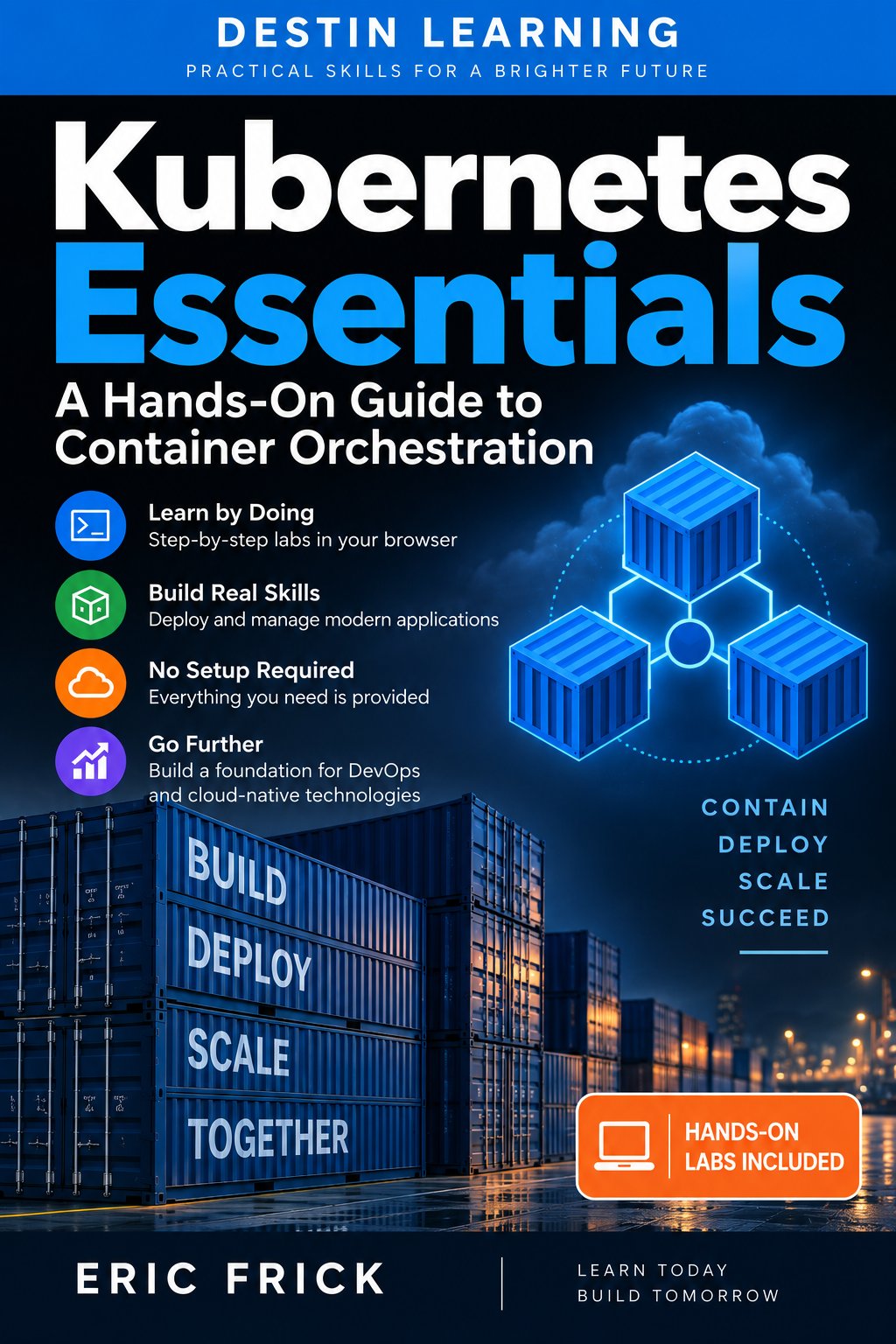
What you'll gain
Every lab runs against a live local cluster you build and control yourself. You'll use kubectl and Helm the same way engineers do in real environments.
You'll work through pods, deployments, services, ingress, storage, namespaces, Helm, and RBAC — the building blocks you need to run actual workloads, not just toy examples.
You'll learn to read events, interpret failure states, and follow a structured debugging workflow — skills that apply immediately when something breaks in any Kubernetes environment.
Run Production-Style Workloads on Your Own Cluster

Who this course is for
You're comfortable building and running containers but haven't worked with an orchestrator yet. This course picks up directly where Docker knowledge ends and teaches you how Kubernetes manages containers at scale.
You write application code and want to own the deployment process without relying on a platform team for every change. You'll learn to write manifests, configure services, and expose applications through ingress yourself.
You manage infrastructure and understand networking and storage concepts but haven't applied them in a Kubernetes context. This course translates those fundamentals into namespaces, PersistentVolumeClaims, resource limits, and RBAC.
What you'll learn
The course opens with Kubernetes architecture — the control plane, node components, and how kubectl communicates with a cluster — so every subsequent concept has a clear foundation. From there, modules build progressively through pods, deployments, services, configuration, and storage before moving into ingress routing and Helm-based application management. The final modules address observability, structured troubleshooting, and production considerations including RBAC and GitOps concepts. The course closes with a final project where you deploy a complete multi-tier application using everything you've learned.
Module 1
Introduction to Kubernetes
3 lessons
▾
Module 2
Kubernetes Architecture
3 lessons
▾
Module 3
Pods: The Basic Unit of Kubernetes
3 lessons
▾
Module 4
Deployments and ReplicaSets
3 lessons
▾
Module 5
Services and Networking
3 lessons
▾
Module 6
Configuration: ConfigMaps and Secrets
3 lessons
▾
Module 7
Storage in Kubernetes
3 lessons
▾
Module 8
Namespaces and Resource Management
3 lessons
▾
Module 9
Ingress and Application Exposure
3 lessons
▾
Module 10
Helm: The Kubernetes Package Manager
3 lessons
▾
Module 11
Observability and Troubleshooting
3 lessons
▾
Module 12
Production Considerations and Final Project
3 lessons
▾
Learn by doing
All 24 labs are hands-on exercises using kubectl, Helm, and a real local cluster running on kind or k3s. You'll apply manifests, inspect live cluster state, trigger rolling updates, mount secrets, configure ingress, and diagnose deliberate failures using the same tools and workflows used in real deployments.
- Confirm kubectl and kind are installed and check their versions
- Explore the kind and kubectl command-line help output
- Create a local Kubernetes cluster with kind create cluster
- Verify the cluster is running with kubectl cluster-info and kubectl get nodes
- Inspect your kubeconfig and current context with kubectl config view
- List and describe cluster nodes with kubectl get nodes and kubectl describe node
- List the control plane pods running in the kube-system namespace
- View logs from a control plane component with kubectl logs
- Write a pod manifest and create it with kubectl apply -f
- Update the manifest and re-apply it to change the running pod
- View container output with kubectl logs and a running shell with kubectl exec
- Diagnose a pod's state using kubectl describe pod and its Events section
- Create a Deployment and verify its ReplicaSet and Pods with kubectl get
- Scale the Deployment up and down with kubectl scale
- Trigger a rolling update by changing the Deployment's container image
- Roll back to the previous revision with kubectl rollout undo
- Create a ClusterIP Service targeting your Module 4 Deployment
- Reach the Service from another Pod using kubectl exec and curl
- Expose a Deployment with a NodePort Service and access it from the host
- Resolve a Service by its DNS name from inside a running Pod
- Create a ConfigMap from literal values with kubectl create configmap
- Inject the ConfigMap into a Pod as environment variables and verify the values
- Create a Secret with kubectl create secret generic
- Mount the Secret as a volume in a Pod and read the value from the mounted file
- Add an emptyDir volume to a Pod shared between two containers
- Confirm both containers can read and write files through the shared volume
- Create a PersistentVolumeClaim and confirm it binds using kind's default StorageClass
- Mount the PVC into a Pod and verify data survives a Pod restart
- Create a new namespace and deploy a workload into it
- Set your default context namespace with kubectl config set-context
- Add CPU and memory requests and limits to a Deployment's container spec
- Apply a ResourceQuota to the namespace and observe a Deployment blocked by it
- Apply the kind-specific ingress-nginx manifest and wait for its pods to become ready
- Confirm the ingress controller is listening on the mapped host ports
- Create an Ingress resource routing a path to your Module 5 Service
- Verify routing works with curl against the mapped host port
- Add a public chart repository and install a chart with helm install
- Verify the chart's resources were created with kubectl get and helm status
- Upgrade the release with a custom values file using helm upgrade -f
- Confirm the change took effect and roll back with helm rollback
- Add a liveness and a readiness probe to a Deployment's container spec
- Observe kubectl get pods reflect readiness before and after the probe succeeds
- Deploy a manifest with a deliberate misconfiguration and identify the failure with kubectl describe
- Fix the manifest, re-apply it, and confirm the Deployment becomes healthy
- Create a ServiceAccount, a Role, and a RoleBinding scoped to a namespace
- Confirm the ServiceAccount's permissions with kubectl auth can-i
- Deploy a multi-tier application using a Deployment, Service, ConfigMap, and Ingress together
- Verify the full request path from Ingress through to the application and confirm it survives a Pod restart
Destin Learning
Destin Learning creates practical, project-driven courses for developers, IT professionals, and tech enthusiasts who want to build real skills — not just pass a certification exam.
Every course is built around hands-on labs, working code, and real-world tools. Our students learn by doing: writing programs, configuring systems, and solving problems in environments that mirror what they'll encounter on the job.
Our courses cover systems programming, Linux administration, cloud infrastructure, AI and machine learning, and foundational computer science — all taught with the same philosophy: understand it deeply, build it yourself, and know why it works.
Destin Learning · destinlearning.com
Enroll Now and Start Building
Lifetime access and 24 hands-on labs included — start at your own pace for $29.00.
Have a coupon code? Redeem it here