Build and Deploy Local AI Applications with Ollama
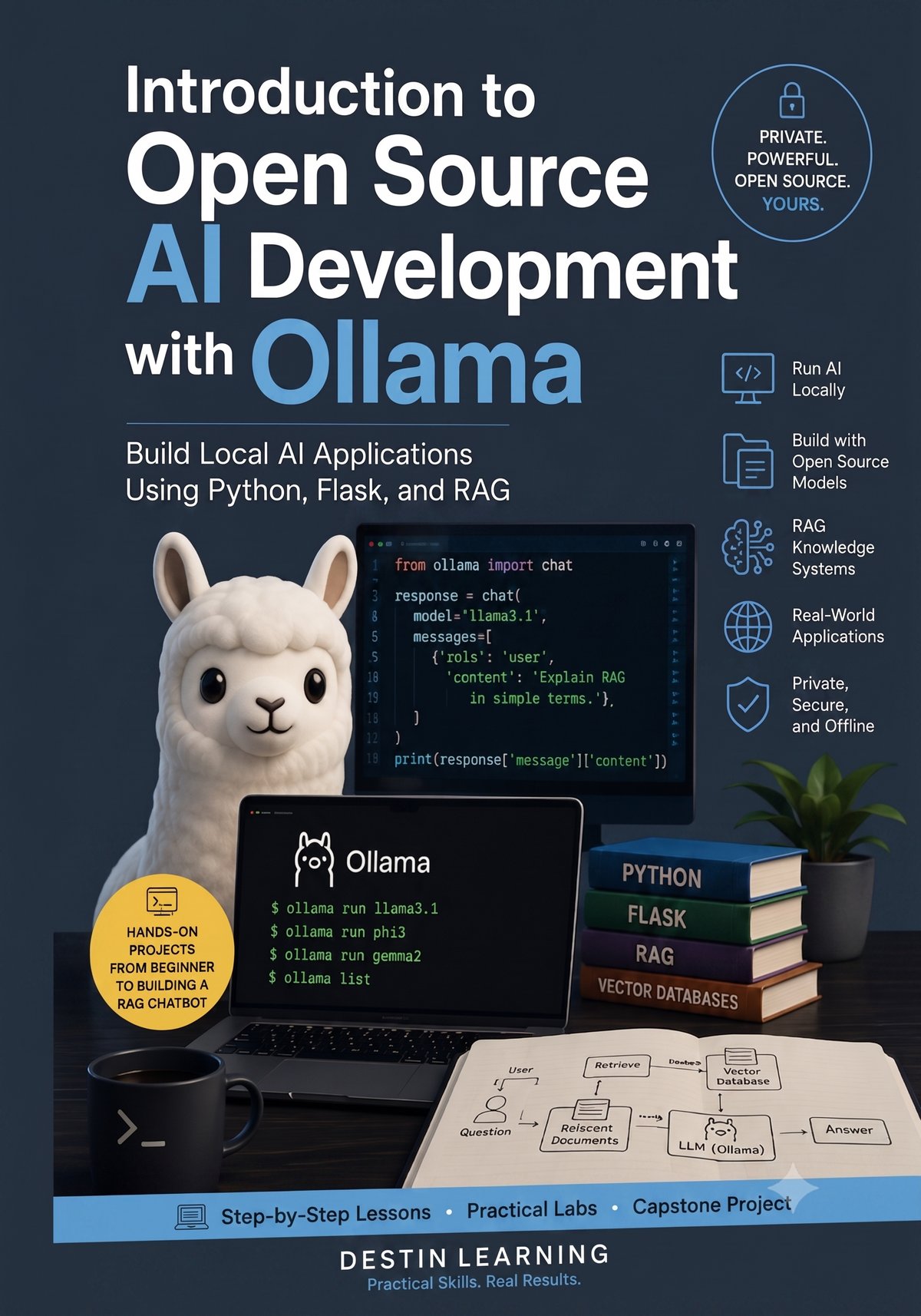
Learn to run open source AI models on your own hardware and build Python-powered applications — from chatbots to RAG systems.
This course takes you from installing Ollama to building a complete, locally hosted AI knowledge assistant — no cloud API required. You will work with real open source models, write Python applications that call them, and implement Retrieval-Augmented Generation to give your AI access to your own documents.
Have a coupon code? Redeem it here
What you'll gain
You will configure and run open source language models entirely on your own machine, giving you full control over your data, costs, and environment.
You will write console and Flask web applications that call Ollama programmatically, producing working software you can extend and deploy in your own projects.
You will build a complete RAG pipeline — loading documents into a local vector database and connecting it to Ollama so your AI can answer questions grounded in real content.
Who this course is for
You know Python and want to move beyond calling commercial APIs. This course teaches you to integrate local open source models directly into your own applications.
You understand programming fundamentals and want hands-on experience with generative AI development. You will finish the course having built multiple working AI applications from scratch.
You work in software, IT, or a related field and need to understand what local AI can realistically do for internal tooling or enterprise workflows. This course gives you direct, practical experience to inform those decisions.
What you'll learn
The course opens by establishing a clear picture of how local AI differs from cloud-based services and getting your development environment fully configured. From there, you progress through working with open source models, selecting the right one for a given task, and calling Ollama from Python. The middle modules build on that foundation by guiding you through console applications, Flask web applications, and practical use cases including developer tooling and enterprise scenarios. The course concludes with a full module on Retrieval-Augmented Generation and a capstone project where you design, build, and prepare a complete AI application for deployment.
Module 1
Course Introduction
3 lessons
▾
Module 2
Introduction to Local AI
3 lessons
▾
Module 3
Working with Open Source Models
3 lessons
▾
Module 4
Building AI Applications with Python
3 lessons
▾
Module 5
Building Practical AI Applications
3 lessons
▾
Module 6
Introduction to Retrieval-Augmented Generation (RAG)
3 lessons
▾
Module 7
Building a Complete RAG Application
3 lessons
▾
Module 8
Capstone Project
3 lessons
▾
Learn by doing
Every major concept in the course is reinforced through a hands-on lab you complete on your own computer using Python, Flask, Visual Studio Code, and Ollama. You will compare real open source models side by side, build AI-powered web applications, load documents into a local vector database, and finish with a fully functional local AI knowledge assistant.
- Install and configure Python, Visual Studio Code, and Ollama on your computer
- Download a local model and confirm it runs successfully from the command line
- Use Ollama to download and run a local AI model from the command line
- Send prompts and observe how the model responds, noting token usage and speed
- Download at least three different open source models and run the same prompts against each
- Evaluate and document quality, speed, and resource usage trade-offs between models
- Build a Python Flask web application that connects to Ollama and accepts user chat input
- Implement streaming responses and display them in a browser-based chat interface
- Build a Flask application that uses Ollama to assist with code generation, debugging, and documentation
- Test the assistant with real development tasks and evaluate the quality of the AI output
- Load and chunk PDF, Markdown, and text documents into a local vector database
- Generate embeddings with Ollama and perform a similarity search against the knowledge base
- Connect Ollama to a local vector database to retrieve relevant documents before generating answers
- Build a Flask web interface that displays RAG-generated answers with source citations
- Build a complete AI application that runs entirely on the student's own computer using Ollama
- Load PDF, Markdown, and text documents and generate embeddings stored in a local vector database
- Implement a RAG pipeline that retrieves relevant documents and answers questions with source citations
- Build a Flask web interface that supports multiple open source models and can be extended after the course
Destin Learning
Destin Learning creates practical, project-driven courses for developers, IT professionals, and tech enthusiasts who want to build real skills — not just pass a certification exam.
Every course is built around hands-on labs, working code, and real-world tools. Our students learn by doing: writing programs, configuring systems, and solving problems in environments that mirror what they'll encounter on the job.
Our courses cover systems programming, Linux administration, cloud infrastructure, AI and machine learning, and foundational computer science — all taught with the same philosophy: understand it deeply, build it yourself, and know why it works.
Destin Learning · destinlearning.com
Start Building Local AI Applications
Contact us for pricing and enroll to get immediate access to all video lessons, hands-on labs, and the complete capstone project.
Enroll NowHave a coupon code? Redeem it here