Use Git Confidently from the Command Line to GitHub
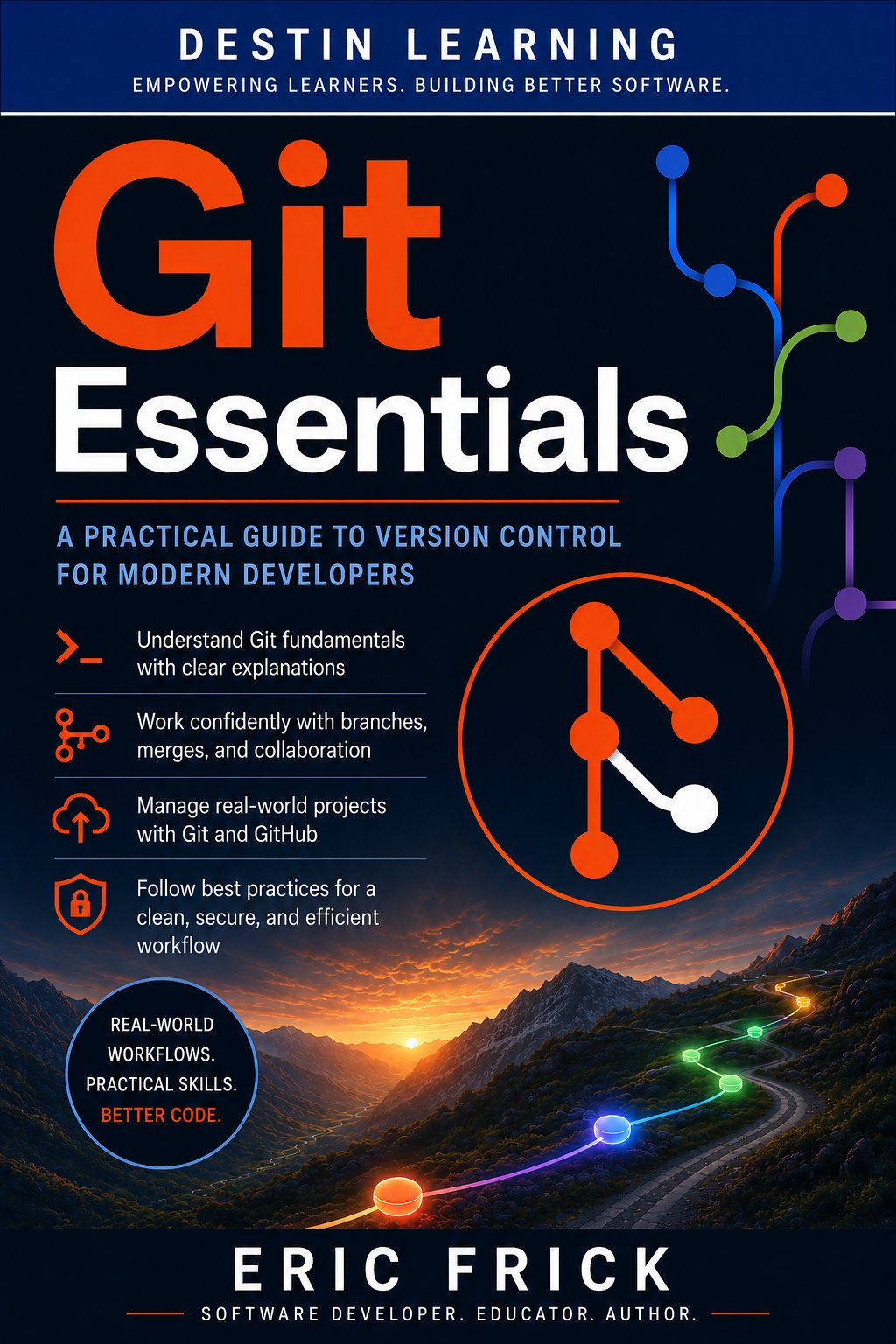
A hands-on Git course for beginners — covering commits, branching, GitHub collaboration, and recovering from real mistakes.
Most developers learn Git by accident, picking up isolated commands without understanding how version control actually works. This course gives you a structured foundation — from initializing your first repository to managing pull requests and recovering lost commits — so you can work with Git the way professional developers do.
Have a coupon code? Redeem it here
What you'll gain
You'll learn Git through the terminal, not a GUI, so your skills transfer across every project and environment. Understanding what Git is doing makes you faster and more confident.
You'll open pull requests, reference issues from branches, and follow team workflows used in real software projects. GitHub stops being a place to upload files and becomes a tool you actually know how to use.
You'll practice using reflog, cherry-pick, and git stash to recover work that appears lost — skills most beginners don't learn until something goes wrong in production.
Who this course is for
You've written some code but have never used version control in a structured way, or you've only clicked through a GUI without understanding what's happening underneath. You'll finish this course able to manage a project from start to finish using Git and GitHub.
You work with code, scripts, or configuration files and know Git exists — but you avoid it or rely on colleagues when things go wrong. This course gives you the command-line fluency to use Git independently and recover when something breaks.
You're taking software, data, or computer science courses and instructors assume you already know Git. This course gives you the practical foundation to manage your coursework, contribute to group projects, and build a GitHub portfolio.
What you'll learn
The course opens by explaining how Git works conceptually — the three trees, the commit history, and why version control matters — before moving into the core workflow of staging, committing, and undoing changes. From there, you'll learn branching and merging, including rebasing for a clean history, then connect your local work to GitHub for remote collaboration. The final modules cover pull requests, team workflows, and advanced recovery techniques, so the course ends where professional development practice begins.
Module 1
Understanding Git and Version Control
3 lessons
▾
Module 2
Core Git Workflow: Commits and History
3 lessons
▾
Module 3
Branching and Merging
3 lessons
▾
Module 4
Working with GitHub
3 lessons
▾
Module 5
Pull Requests, Issues, and Collaboration Workflows
3 lessons
▾
Module 6
Advanced Git and Best Practices
3 lessons
▾
Learn by doing
Every major concept is reinforced with a hands-on lab you complete in the Linux terminal using Git, GDB, and GitHub directly. Labs are designed around realistic scenarios — resolving merge conflicts, pushing to remote repositories, recovering lost commits — so the skills you practice are the skills you'll actually use. The course closes with a final project that walks you through a complete Git and GitHub workflow from initialization to a rebase-cleaned history.
- Verify the Git installation and configure user.name, user.email, default branch name, and default editor
- Explore the three git config levels (--system, --global, --local) and confirm which one wins when they conflict
- Initialize a repository, create and edit files, stage changes selectively, and build a clean multi-commit history
- Use git diff and git log to inspect changes, then practice restore, reset, and revert to safely undo mistakes
- Create feature branches, merge them back into main, and deliberately create and resolve a merge conflict
- Use interactive rebase to squash and reorder a messy commit history before merging
- Create a repository on GitHub, connect a local repository as a remote, and push commits and branches to it
- Clone an existing repository, make changes on a new branch, and push the branch back for review
- Open an issue, create a branch that references it, and open a pull request with a clear description
- Simulate a code review round-trip by requesting changes, pushing a fix commit, and merging the pull request
- Use git stash to pause in-progress work, then use reflog and cherry-pick to recover a "lost" commit
- Tag a release, write a .gitignore for a realistic project, and finalize the repository with a README and LICENSE
- Build a small project from git init through multiple feature branches, a resolved merge conflict, and a rebase-cleaned history
- Push the finished project to GitHub, open a pull request that references an issue, and merge it into main
Destin Learning
Destin Learning creates practical, project-driven courses for developers, IT professionals, and tech enthusiasts who want to build real skills — not just pass a certification exam.
Every course is built around hands-on labs, working code, and real-world tools. Our students learn by doing: writing programs, configuring systems, and solving problems in environments that mirror what they'll encounter on the job.
Our courses cover systems programming, Linux administration, cloud infrastructure, AI and machine learning, and foundational computer science — all taught with the same philosophy: understand it deeply, build it yourself, and know why it works.
Destin Learning · destinlearning.com
Start Using Git the Right Way
Enroll for $14.00 and get lifetime access to all video lessons, hands-on labs, and the final project.
Have a coupon code? Redeem it here