Build and Deploy Real AWS Applications from the Ground Up
Master core AWS services — compute, storage, networking, databases, and serverless — through hands-on labs on a live AWS account.
This course takes you from your first AWS resource to deploying a multi-service cloud application, covering the services and practices used in production environments every day. You'll leave with direct experience configuring IAM, EC2, S3, VPC, RDS, Lambda, containers, and Infrastructure as Code — not just conceptual familiarity with them.
Have a coupon code? Redeem it here
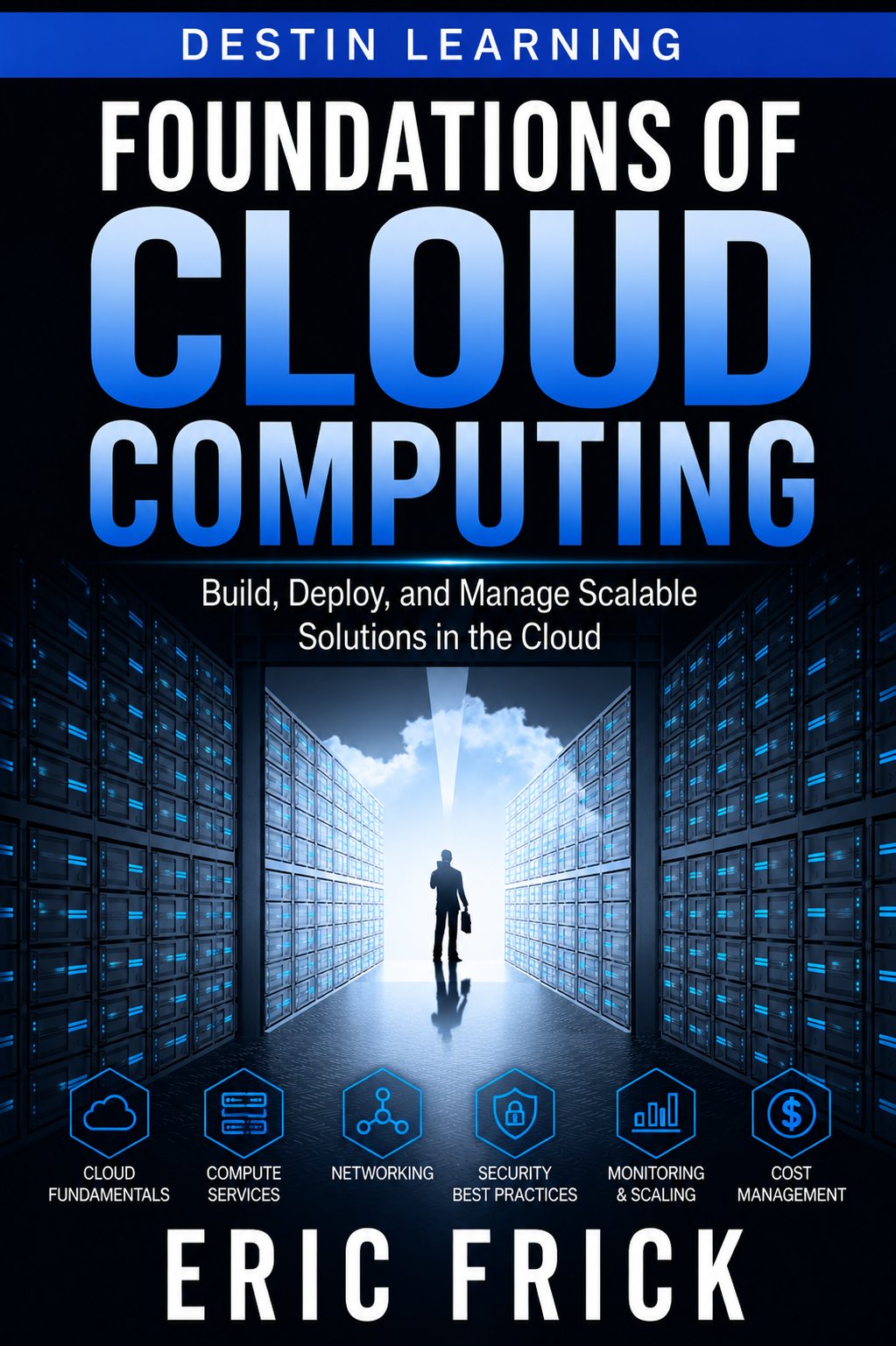
What you'll gain
Every module includes a lab where you work directly in AWS, using the CLI, Console, and tools like CloudFormation and Terraform to provision and manage real resources.
You'll learn to write least-privilege IAM policies, design secure VPC architectures, and audit environments for misconfigurations — skills that apply across every AWS project you'll work on.
The course culminates in a final project where you design and deploy a multi-service application, putting compute, storage, networking, and monitoring to work together.

Who this course is for
You understand programming fundamentals and basic networking concepts but have little or no experience with cloud platforms. This course gives you practical AWS skills and a deployable project to show for it.
You're comfortable writing code and working in a terminal but haven't built or managed cloud infrastructure before. You'll gain the AWS fluency needed to deploy, secure, and monitor your own applications.
You have experience managing on-premises infrastructure and want to translate those skills into cloud environments. This course maps familiar concepts — networking, storage, access control — directly to their AWS equivalents.
What you'll learn
The course opens with AWS fundamentals — the Console, CLI, and IAM — so you have a secure, functional working environment before touching any other service. From there, modules build outward through compute, storage, networking, and databases, with each layer reinforcing the one before it. The second half of the course introduces serverless, containers, and Infrastructure as Code, then closes with observability, cost management, and security best practices framed around the AWS Well-Architected Framework. The final project ties all of it together in a single end-to-end deployment.
Module 1
Getting Started with AWS
3 lessons
▾
Module 2
Identity and Access Management (IAM)
3 lessons
▾
Module 3
Compute with EC2
3 lessons
▾
Module 4
Storage with S3
3 lessons
▾
Module 5
Networking with VPC
3 lessons
▾
Module 6
Databases on AWS with RDS
3 lessons
▾
Module 7
Serverless Computing with Lambda
3 lessons
▾
Module 8
Containers on AWS
3 lessons
▾
Module 9
Infrastructure as Code
3 lessons
▾
Module 10
Monitoring, Logging, and Cost Management
3 lessons
▾
Module 11
AWS Security and the Well-Architected Framework
3 lessons
▾
Module 12
Final Project
3 lessons
▾
Learn by doing
Each of the 21 hands-on labs puts you in a live AWS environment, using the AWS CLI, Console, CloudFormation, Terraform, and tools like psql and Docker to complete real tasks. Labs are designed to reflect the kind of work you'd do on an actual team — configuring access controls, debugging deployments, and reviewing environments for security issues.
- Configure the AWS CLI with credentials and verify connectivity to AWS
- Create and list an S3 bucket using the CLI
- Create an IAM group with a custom least-privilege policy and attach it to a new user
- Verify the policy's restrictions by testing allowed and denied actions
- Create an IAM role that grants one AWS service permission to access another resource
- Assume the role and confirm the granted permissions work as expected
- Launch an EC2 instance with a key pair and a security group allowing SSH access
- Connect to the instance via SSH and verify it is running
- Launch an EC2 instance with a user data script that installs and starts a web server
- Verify the bootstrap script ran successfully by checking the running service
- Create a bucket, upload objects, and configure a bucket policy restricting access
- Enable versioning and demonstrate recovering a previous object version
- Configure a bucket for static website hosting and upload a simple site
- Verify the site is accessible and troubleshoot common access errors
- Write a CloudFormation template defining a VPC with public and private subnets
- Validate the template and review the planned resources without deploying live infrastructure
- Design security group and NACL rules for a three-tier application architecture
- Document each rule and justify why it is necessary
- Launch a PostgreSQL RDS instance and connect to it using psql
- Create a schema and load sample data to confirm the database is fully operational
- Create a manual snapshot of an RDS instance
- Restore the snapshot to a new instance and verify the data matches
- Write a Python Lambda function and deploy it using the AWS CLI
- Invoke the function with test input and verify the output
- Connect a Lambda function to an API Gateway REST endpoint
- Call the API endpoint over HTTP and confirm the Lambda function executes correctly
- Build a Docker image and push it to an ECR repository
- Create an ECS task definition and run the container as an ECS service
- Examine a Kubernetes deployment manifest for an EKS-hosted application
- Explain how ECS and EKS differ in this scenario and when each would be the better choice
- Write a CloudFormation template that provisions an S3 bucket and an IAM role
- Deploy the stack and verify the resources were created as defined
- Write a Terraform configuration that provisions the same resources as the CloudFormation lab
- Apply the configuration, then modify and reapply it to observe Terraform's change management
- Configure a Lambda function to emit custom CloudWatch metrics and logs
- Create a CloudWatch alarm that triggers when a metric crosses a threshold
- Use Cost Explorer to review spending by service and tag
- Create a budget with an alert threshold to help prevent cost overruns
- Review a set of IAM policies, S3 bucket policies, and security groups for overly permissive rules
- Remediate the identified issues and document the changes made
- Design and deploy a small application using at least three AWS services covered in this course
- Document the architecture and the reasoning behind each service choice
Destin Learning
Destin Learning creates practical, project-driven courses for developers, IT professionals, and tech enthusiasts who want to build real skills — not just pass a certification exam.
Every course is built around hands-on labs, working code, and real-world tools. Our students learn by doing: writing programs, configuring systems, and solving problems in environments that mirror what they'll encounter on the job.
Our courses cover systems programming, Linux administration, cloud infrastructure, AI and machine learning, and foundational computer science — all taught with the same philosophy: understand it deeply, build it yourself, and know why it works.
Destin Learning · destinlearning.com
Start Building on AWS Today
Self-paced video lessons and 21 hands-on labs give you direct, practical experience across the core AWS services.
Have a coupon code? Redeem it here